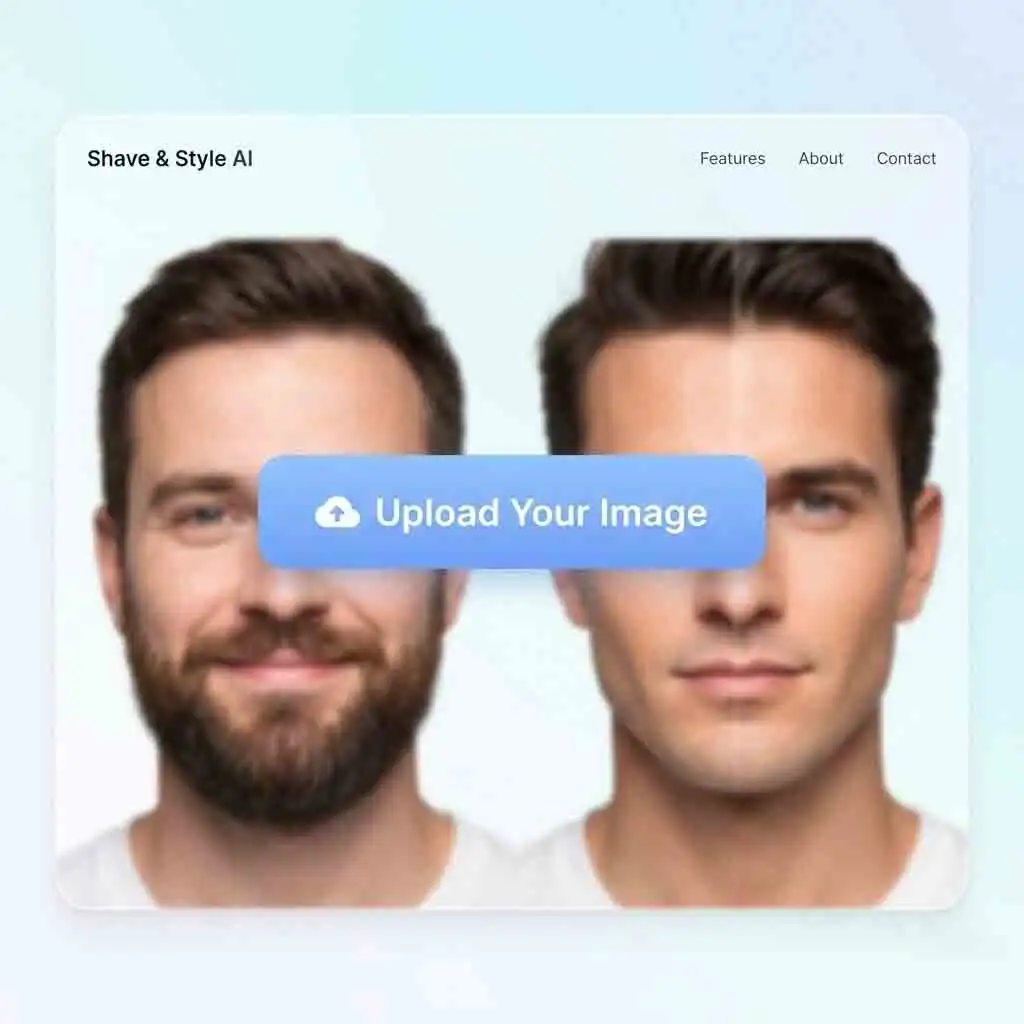
No Login Wall
Every guide, landing page, and blog article is readable without creating an account.
AI Beard Remover
This page now acts as a content hub for AI beard remover use cases, editorial examples, and supporting articles. The experience is intentionally lightweight so it can load fast and stay publicly accessible.
Before

Editorial Example

This experience is built for realism. It works like a controlled photo editor workflow. It is better than a harsh filter.
With the AI beard remover, the beard removal area transitions smoothly into the surrounding skin. This ensures the jawline doesn’t look cut-out. You get softer boundaries and fewer gray halos. The results hold up when people zoom in.
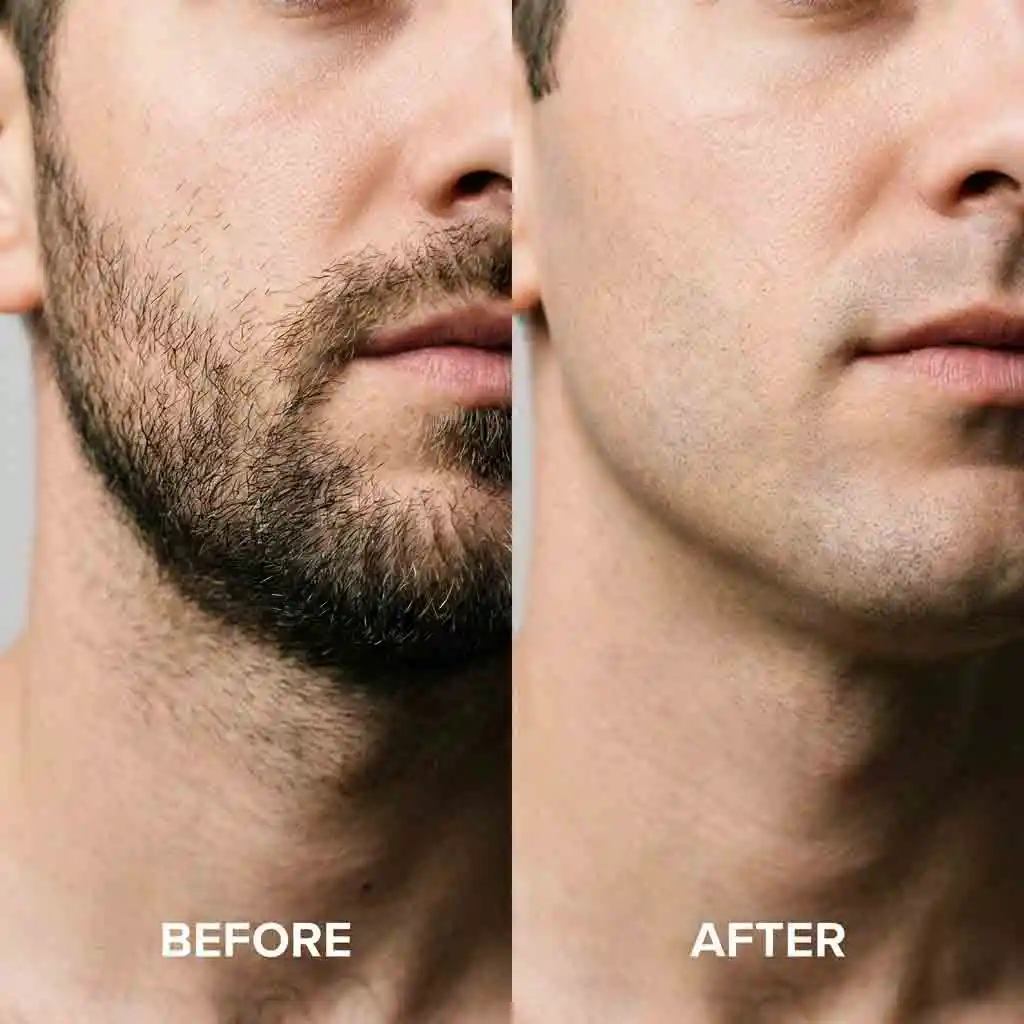
AI beard remover keeps pores, grain, and natural tonal variation. It avoids smearing everything flat. The output feels like real skin under the same light. This helps the final look stay authentic. It works well even on high-resolution portraits.
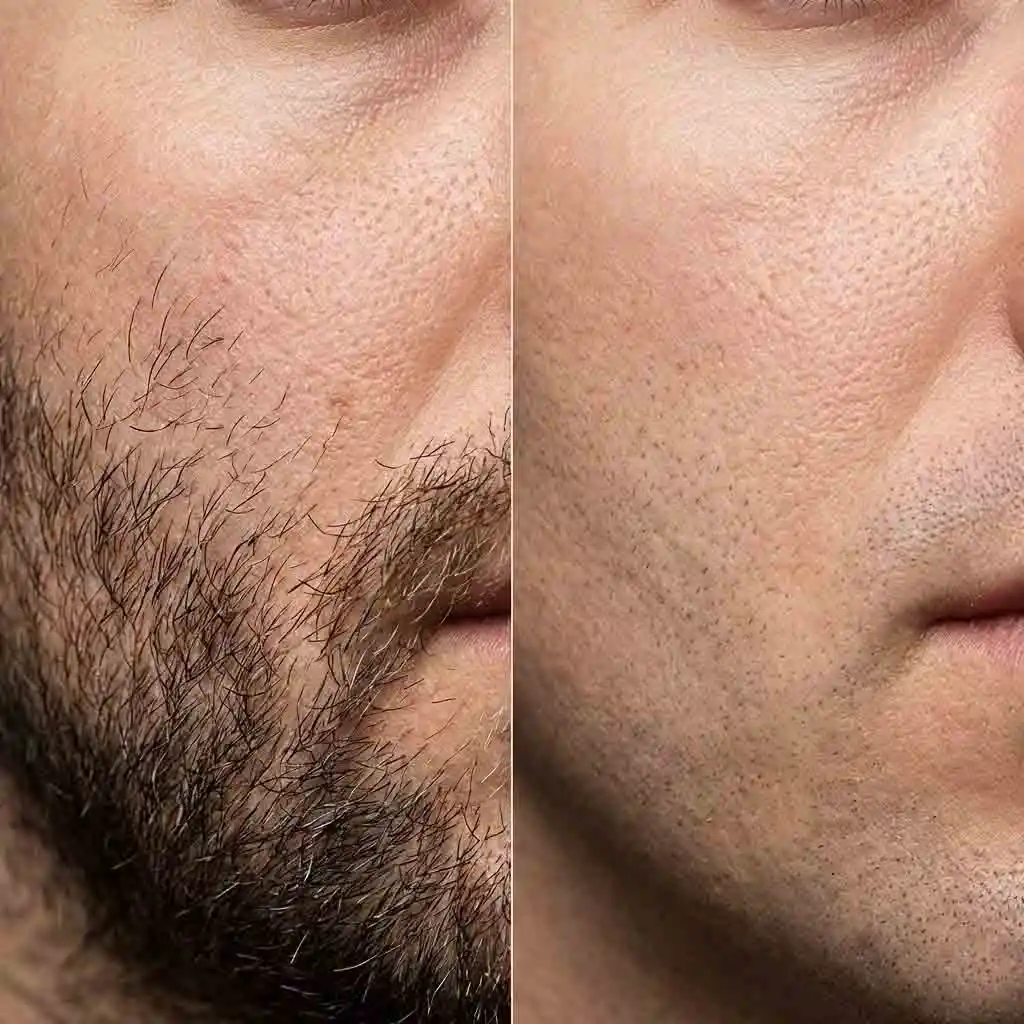
AI beard remover is designed for speed. You can test options quickly and keep momentum. It is ideal when you want multiple versions. It is perfect if you need a fast turnaround. It ensures editing does not interrupt your workflow.
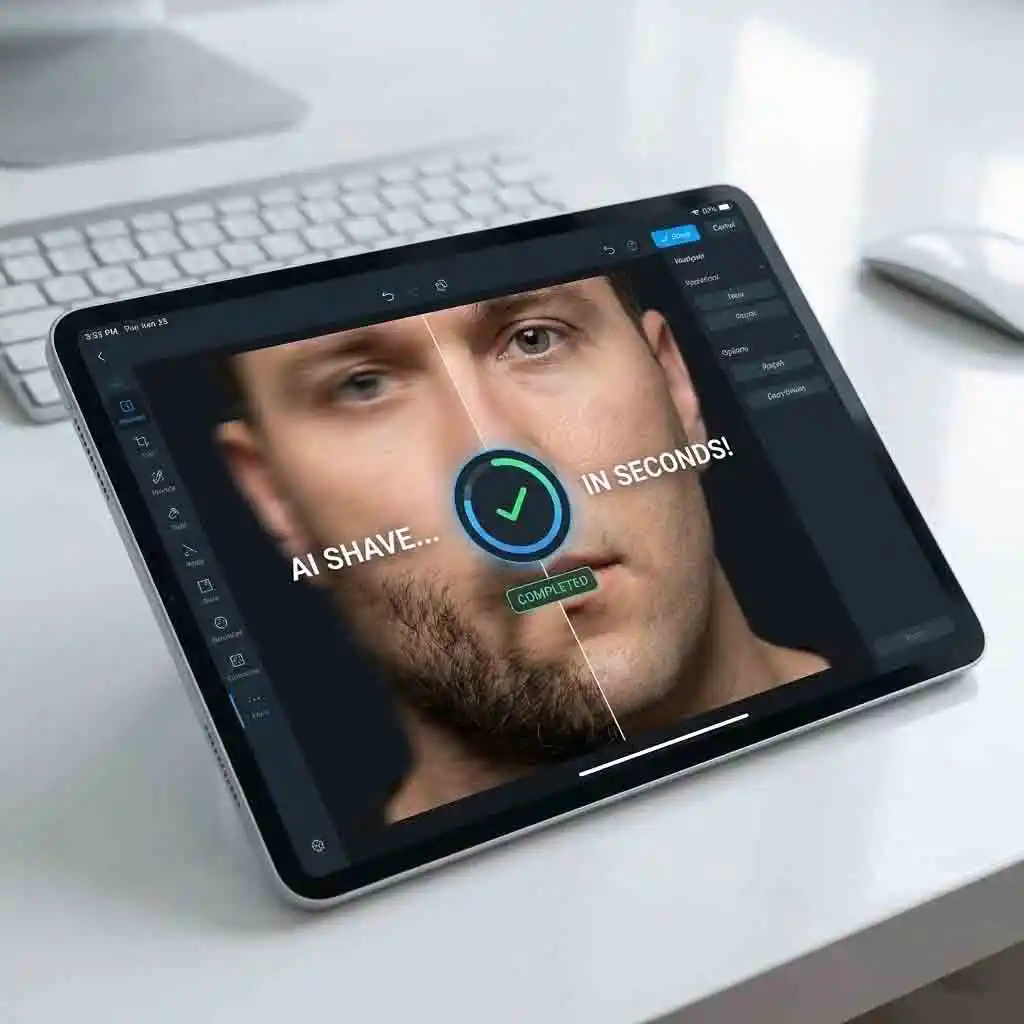
AI beard remover completes the process in under a minute. It gives you a downloadable result. You can reuse this image across platforms.
Click “upload image.”
Choose “Select Style & Prompt.”
Press “beard remove”.
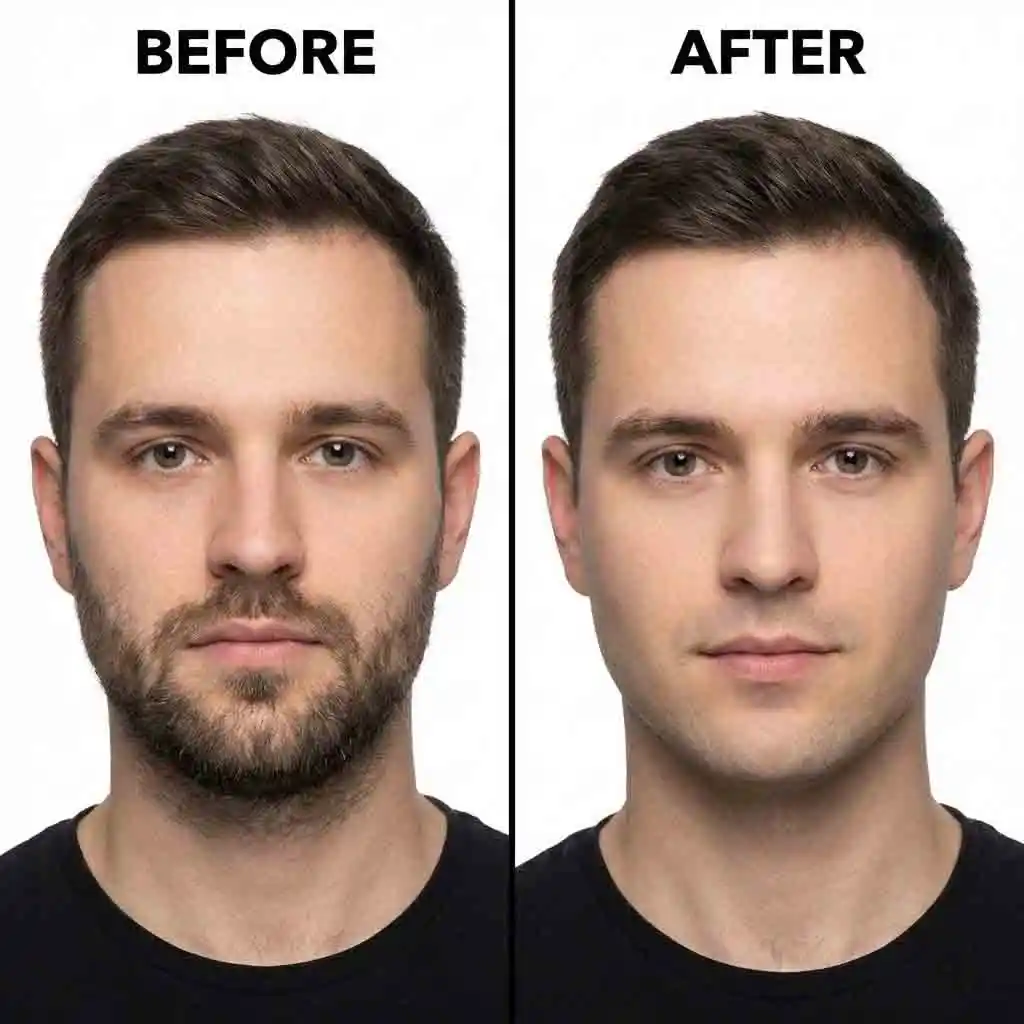
AI beard remover helps you present a cleaner appearance. You get a consistent look without forcing a full reshoot. It works best on clear, front-facing images where the face is well-lit. The result is subtle and professional. Your photo still resembles you. It just looks more polished and compliant.
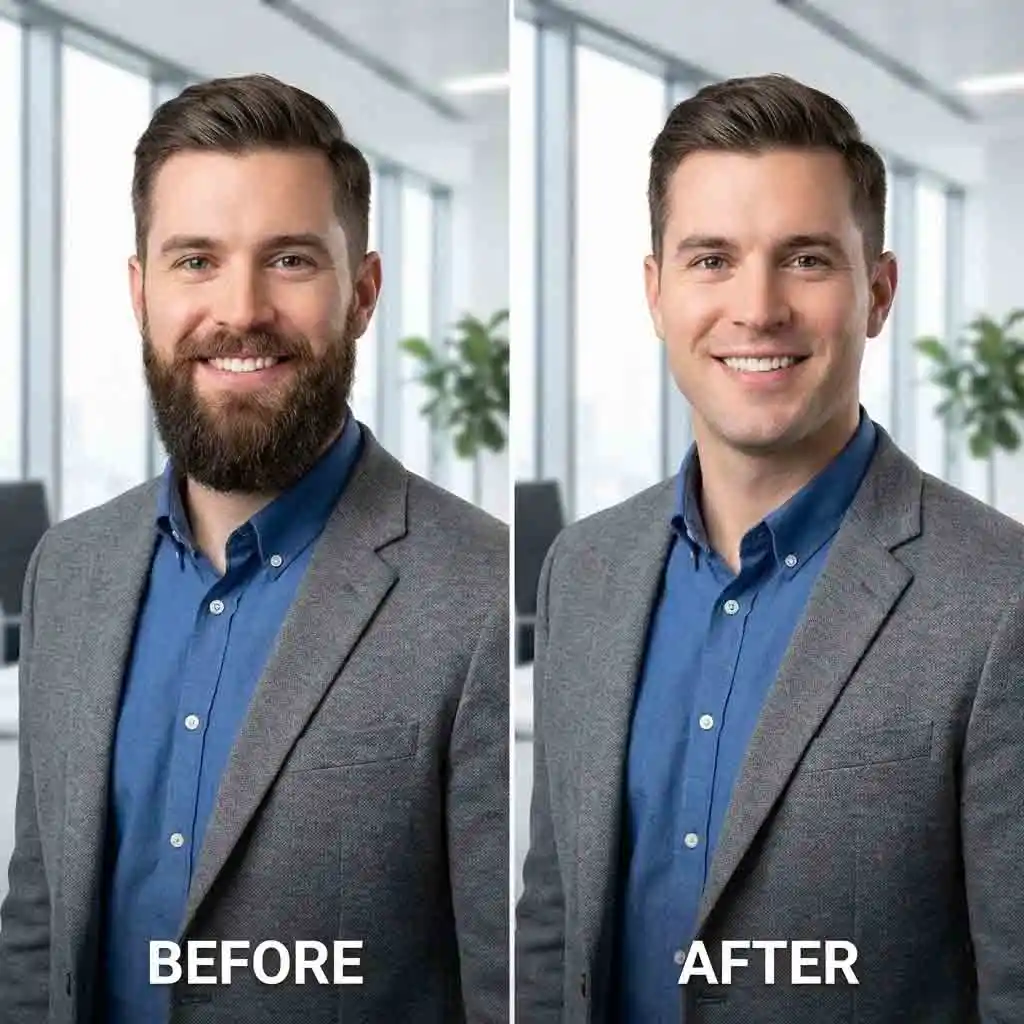
AI beard remover is proper when you need a sharper first impression fast. It does not change your facial structure. It focuses on removing beard distractions. The rest of the portrait remains intact. You can easily refresh an older headshot. This maintains a consistent profile across platforms.
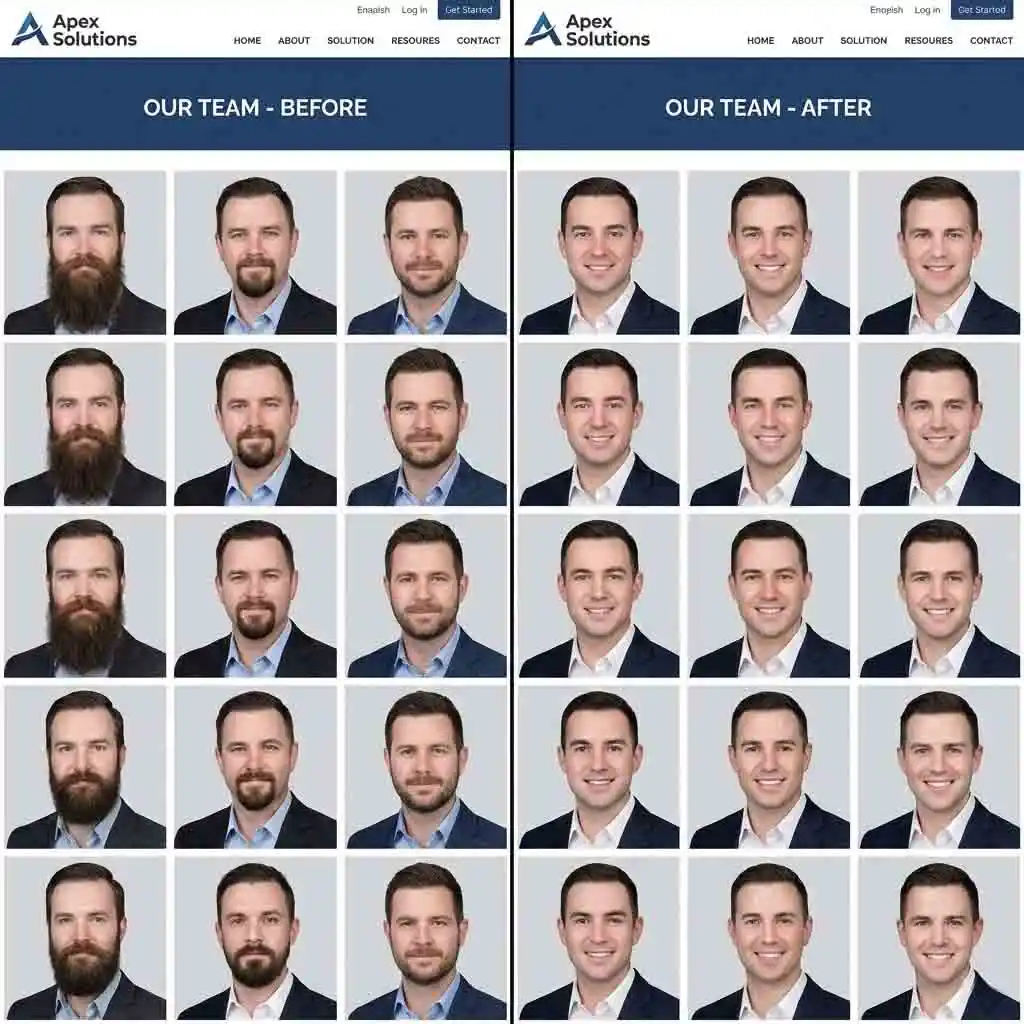
AI beard remover supports brand consistency. It helps when teams want a uniform look across a grid of portraits. Use it alongside light face retouch tools. This keeps everyone natural while reducing visual variation. It is helpful when headshots are taken on different days. It also works for various lighting conditions.
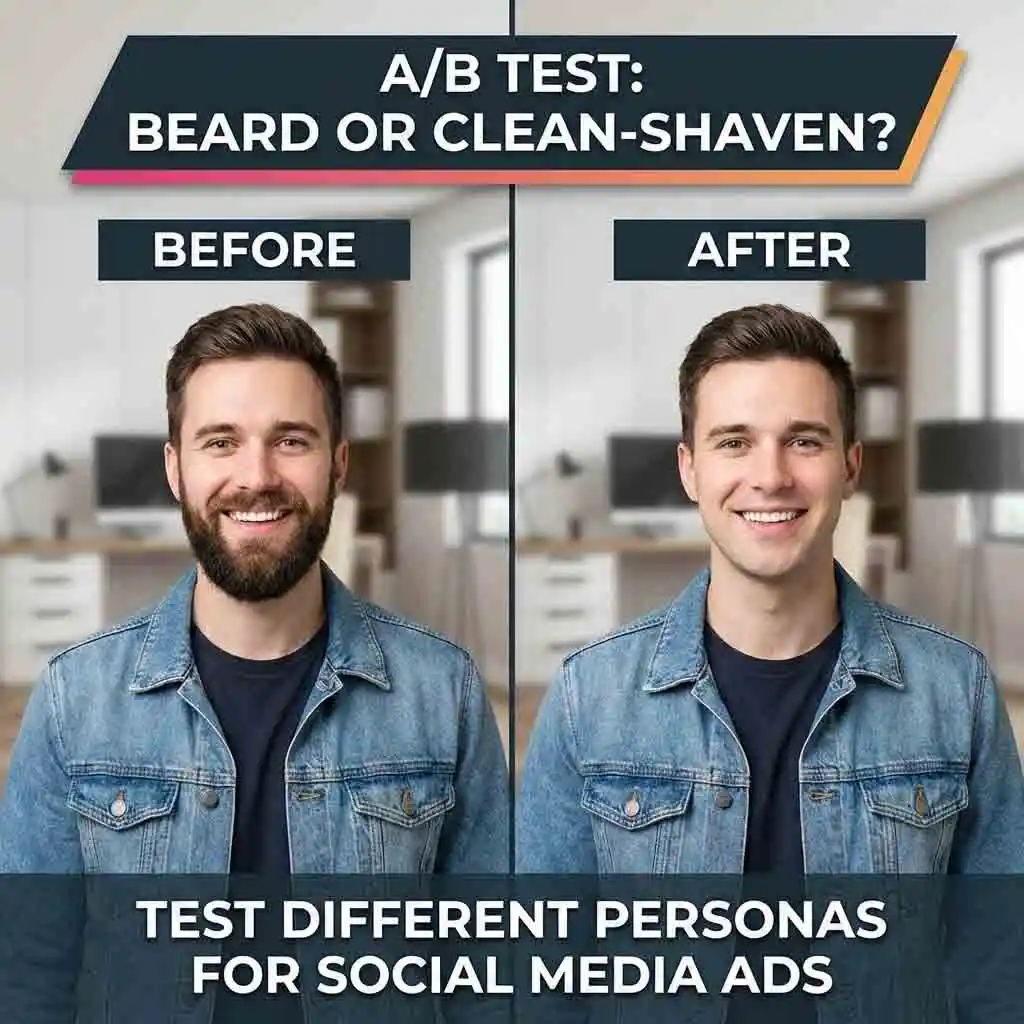
AI beard remover lets you generate two versions of the same photo. This is great for creatives and A/B testing. You can keep the same expression, outfit, and framing. Adjust the facial hair presence. This speeds up production cycles. It helps you learn which look converts better.
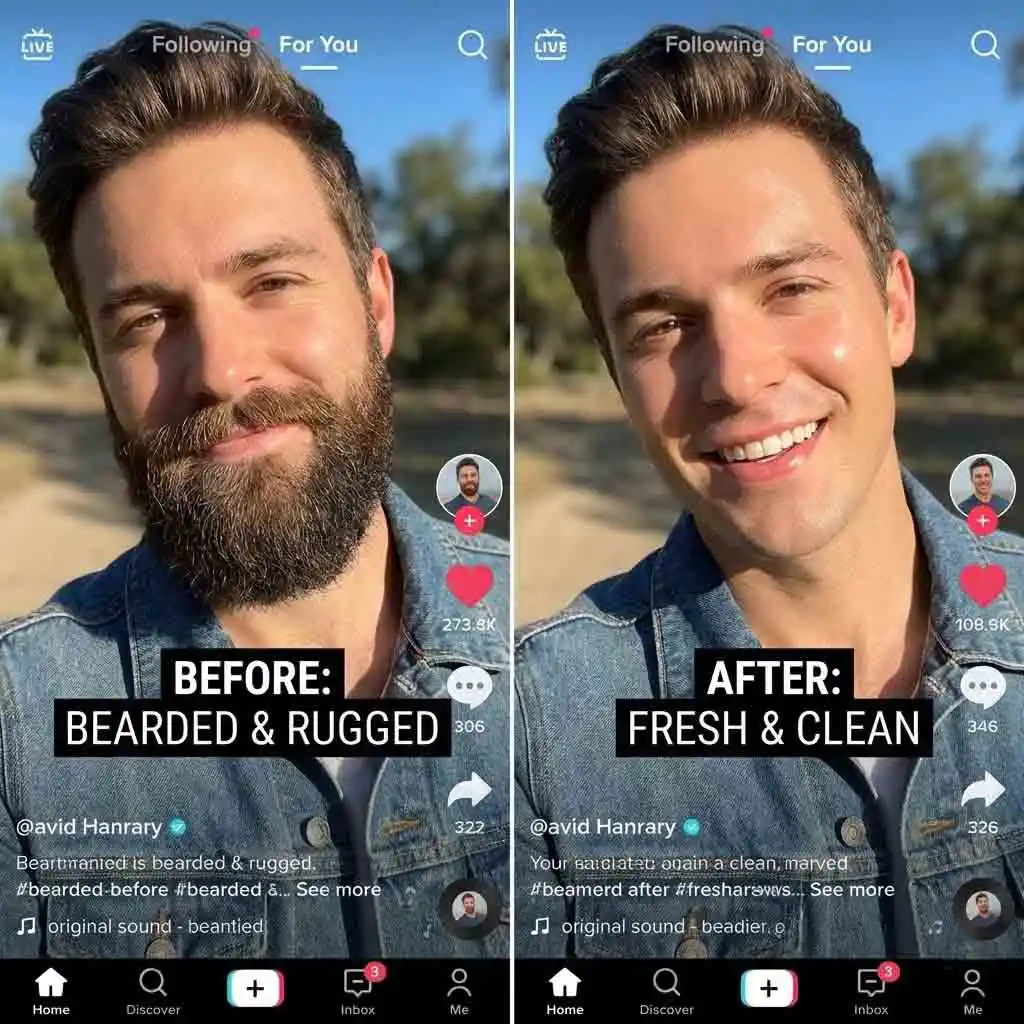
AI beard remover is a quick way to experiment with your look. You can try styles before committing to real life. If you are comparing styles, it delivers a clean option. It avoids heavy-handed edits. It fits naturally into a no beard filter AI mindset. You can fine-tune in a photo editor if needed.
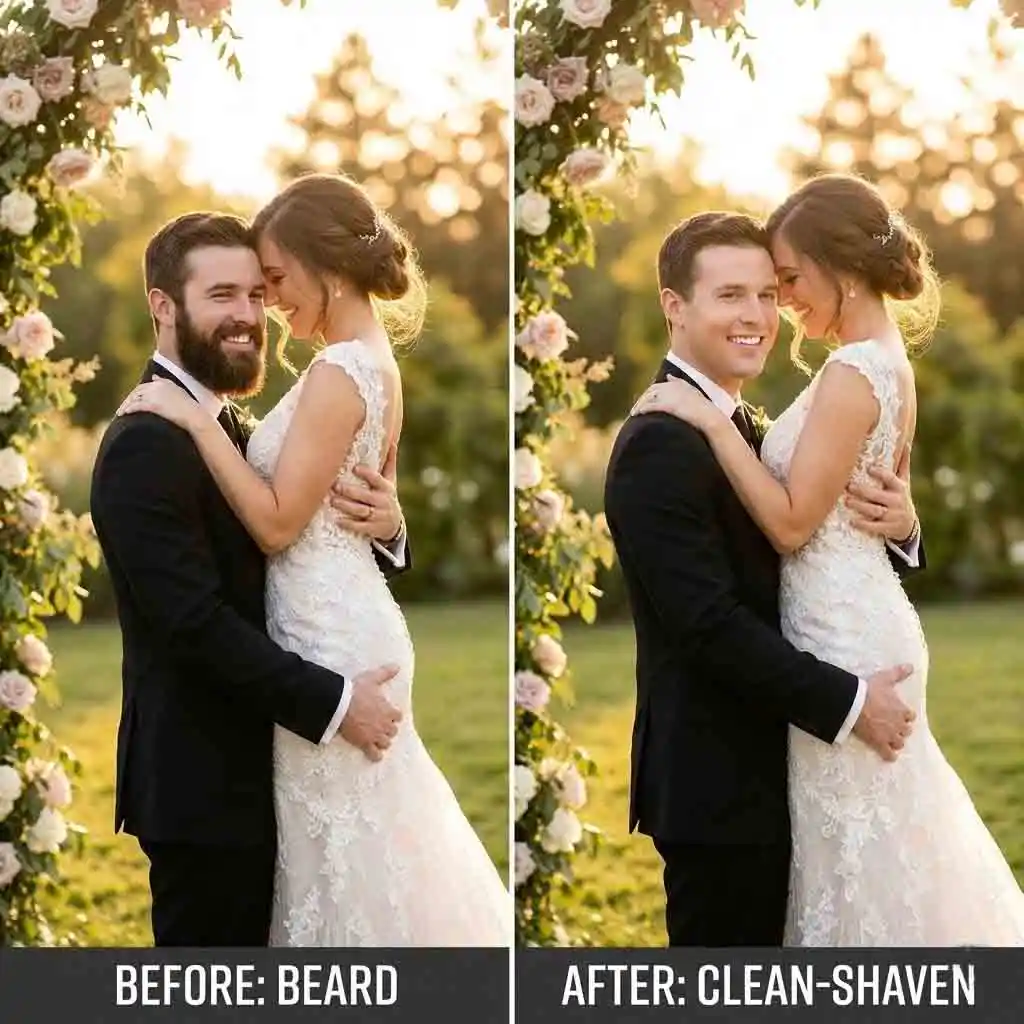
AI beard remover is ideal when the moment is gone. Use it if you want a cleaner version for albums or sharing. It aims to preserve the original lighting and mood. The photo still feels like the day. You can keep the scene intact while subtly refining the face.
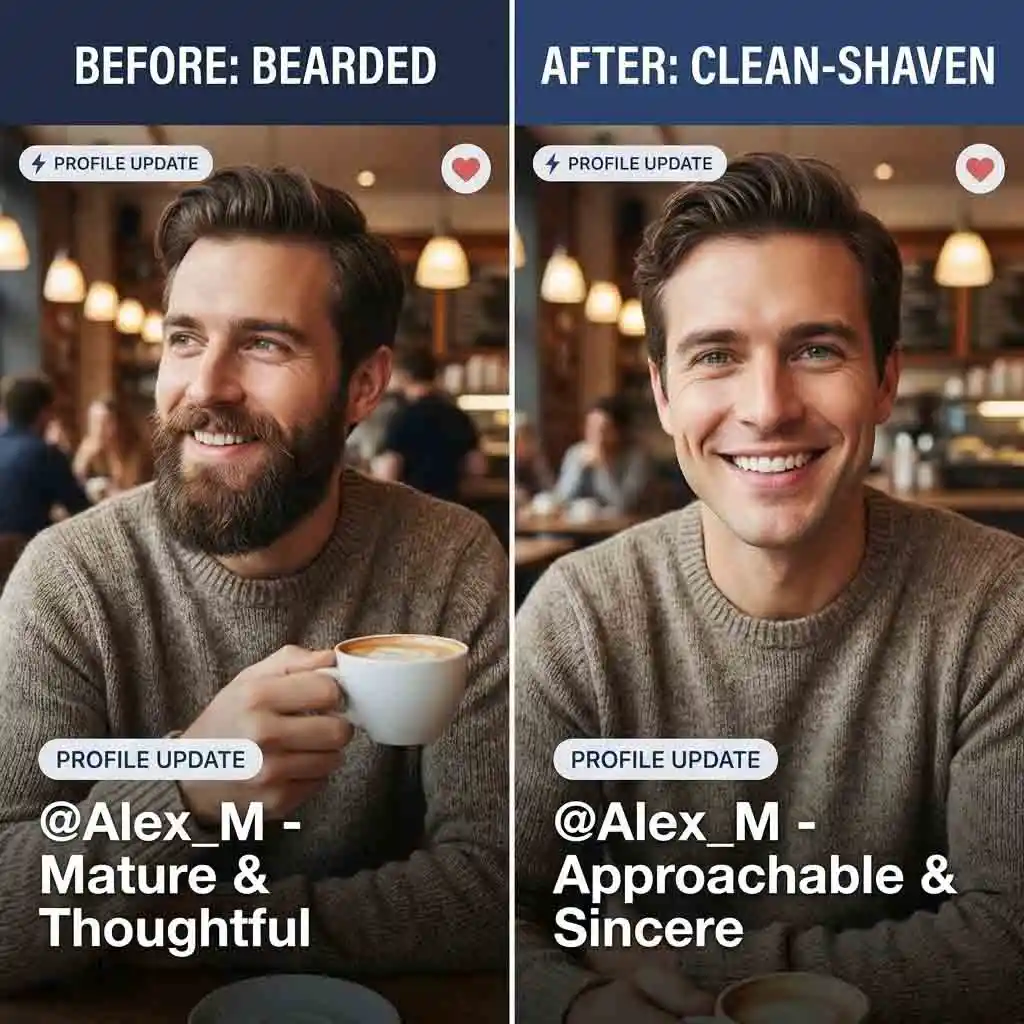
AI beard remover helps reduce mismatches between your photos and your desired impression. A clean shave look can read as more intentional and well-groomed. The edits are restrained. Therefore, the result stays believable. It avoids the “too edited” vibe that can hurt trust.
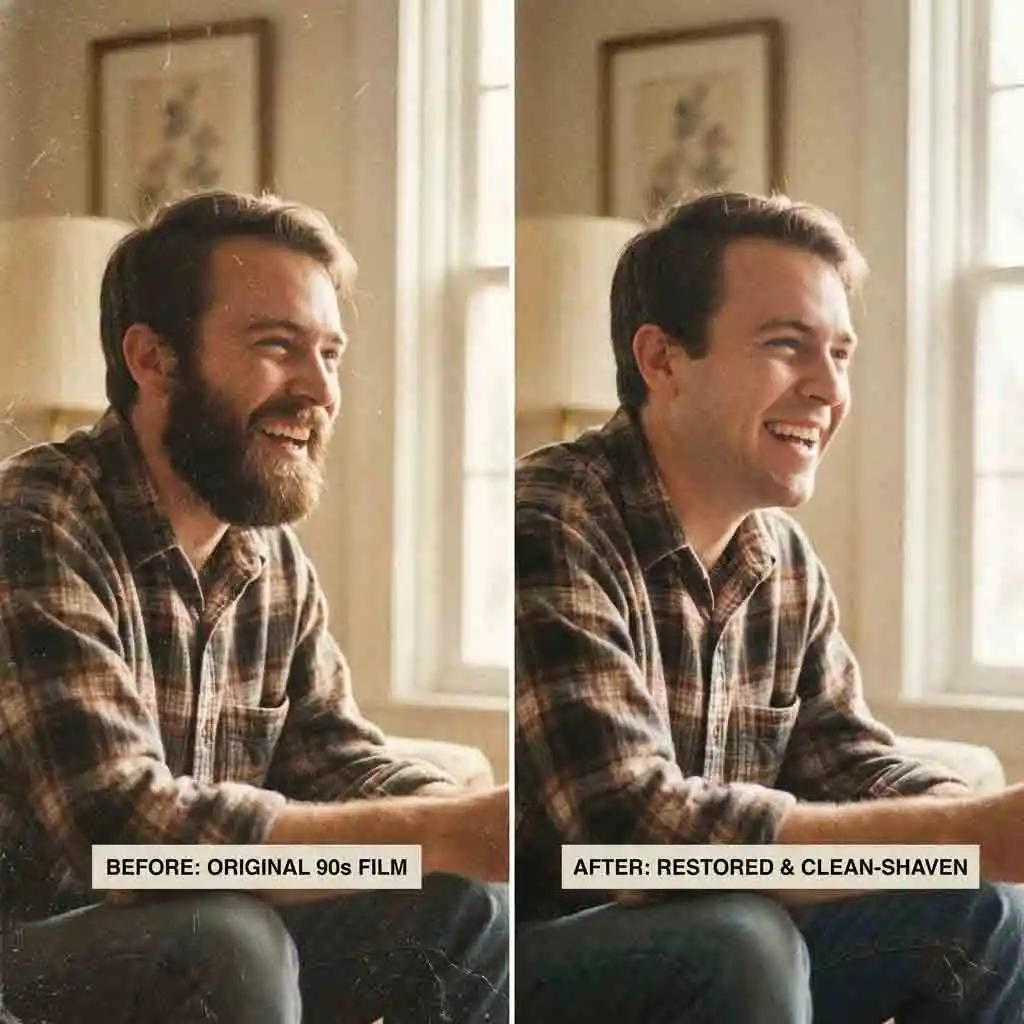
Ai beard remover can modernize older portraits. It does not turn them into something new. It works well as a targeted adjustment. You can remove the beard area while keeping the image’s original character. This functions as an effective beard remover AI. This is useful for archives and family photos. It ensures consistent profile pictures across years.
This section now works as a simple content block instead of a pricing table. Visitors can read, compare examples, and move through the site without accounts or payments.
Every guide, landing page, and blog article is readable without creating an account.
The site is now presentation-first, so there are no subscriptions, credits, or checkout steps in the path.
Use the pages as SEO landing content, internal-link hubs, and educational resources for your audience.
Realism comes from consistency. Edges, lighting, and skin texture must match the rest of the face. Many tools erase facial hair by smoothing a patch. This creates gray halos or flat skin. A stronger approach keeps gradients and micro-texture. This ensures the area still looks like the same photo. If you have tried an AI beard remover before, you have likely seen the telltale blur around the jaw. Aim for subtle changes. Check at 100% zoom. Choose a natural style so the face remains believable in everyday viewing.
A simple filter applies broad changes. It often ignores facial structure. This can break realism when the lighting is complex. A better workflow behaves more like controlled editing. It focuses on the beard region. It preserves the rest of the portrait. That is why it feels different from no beard filter AI apps. Those apps prioritize quick novelty. If you want a professional look, treat it like a targeted edit. Keep changes minimal. Compare the before and after versions. Avoid stacking heavy beauty effects that amplify artifacts.
Complex cases include strong shadows across the beard. Very low-resolution images are hard to process. Side profiles with partial occlusion are tricky. Extremely dense facial hair that blends into dark lighting is also challenging to see. For better results, pick a clear, front-facing photo. Ensure it has even light and minimal motion blur. If the face is underexposed, brightening it slightly can help. When necessary, do beard removal in a conservative pass first. Then, refine with a second pass. Do not push one aggressive edit.
Good portrait editing should preserve identity. Face shape, proportions, and core features must remain untouched. Over-smoothing happens when tools treat the beard area like a blur mask. Choose settings that prioritize texture. Then, evaluate cheeks, chin, and upper lip on Zoom. If you also use face retouch, keep it subtle and localized. This prevents plastic-looking skin. The best results look like grooming, not transformation. Your photo should still be recognizably you.
Often yes, provided the edit stays realistic. It should not misrepresent your identity. For professional use, aim for a natural clean shave finish. Avoid overly perfect skin. Keep lighting consistent with the original photo. The safest approach is minimal change. Remove beard presence without altering facial structure. If your context is strict, like a visa or ID, verify requirements first. Compare the edited image against the guidelines. When in doubt, choose the most conservative setting. Keep the output faithful.
Privacy depends on product policy. However, you should expect precise controls. Check how long files are retained. See if they are used for training. Check if you can request deletion. As a general rule, minimize risk. Upload only what you need. Avoid sensitive background details. Download your result promptly.
Most workflows support standard formats like JPG and PNG. Higher resolution generally improves edge quality. It aids texture preservation, especially around the jaw and upper lip. If you upload a huge file, you can resize it slightly. Ensure details remain clear. For the best outcome, avoid screenshots with compression artifacts. Avoid social-app re-uploads that degrade quality. If you plan to print or crop closely, start with the highest-quality original. This reduces visible artifacts after edits.
The fake look usually comes from rigid boundaries or missing natural shadow. Choose a natural style. Reduce strength if the jaw becomes too sharp. Check transitions on both sides of the face. Pay attention to the upper lip and chin. Artifacts often appear there first. Keep some natural shading so the face still has depth. If the result looks too clean, add subtle grain back. You can also keep a hint of shadow. Minor imperfections often make edits feel more real.